A beautiful place to study.
Free study timer with ambient sounds & living scenes.
Live cinematic backgrounds, calming soundscapes, and gentle timers — everything you need to slip into deep, distraction-free focus.
Free · No signup to start · Works offline
Your calmest,
most productive hour.
One dashboard: a living scene, your clock, your sounds, your timers. Nothing else. That’s the point.
Wolfhour is a free online focus app — a study timer, pomodoro timer, and ambient sound mixer that tracks your study hours per subject, works offline, and syncs across your devices. No signup needed to start.
Everything orbits
around your focus.
Scroll through the hour, frame by frame.
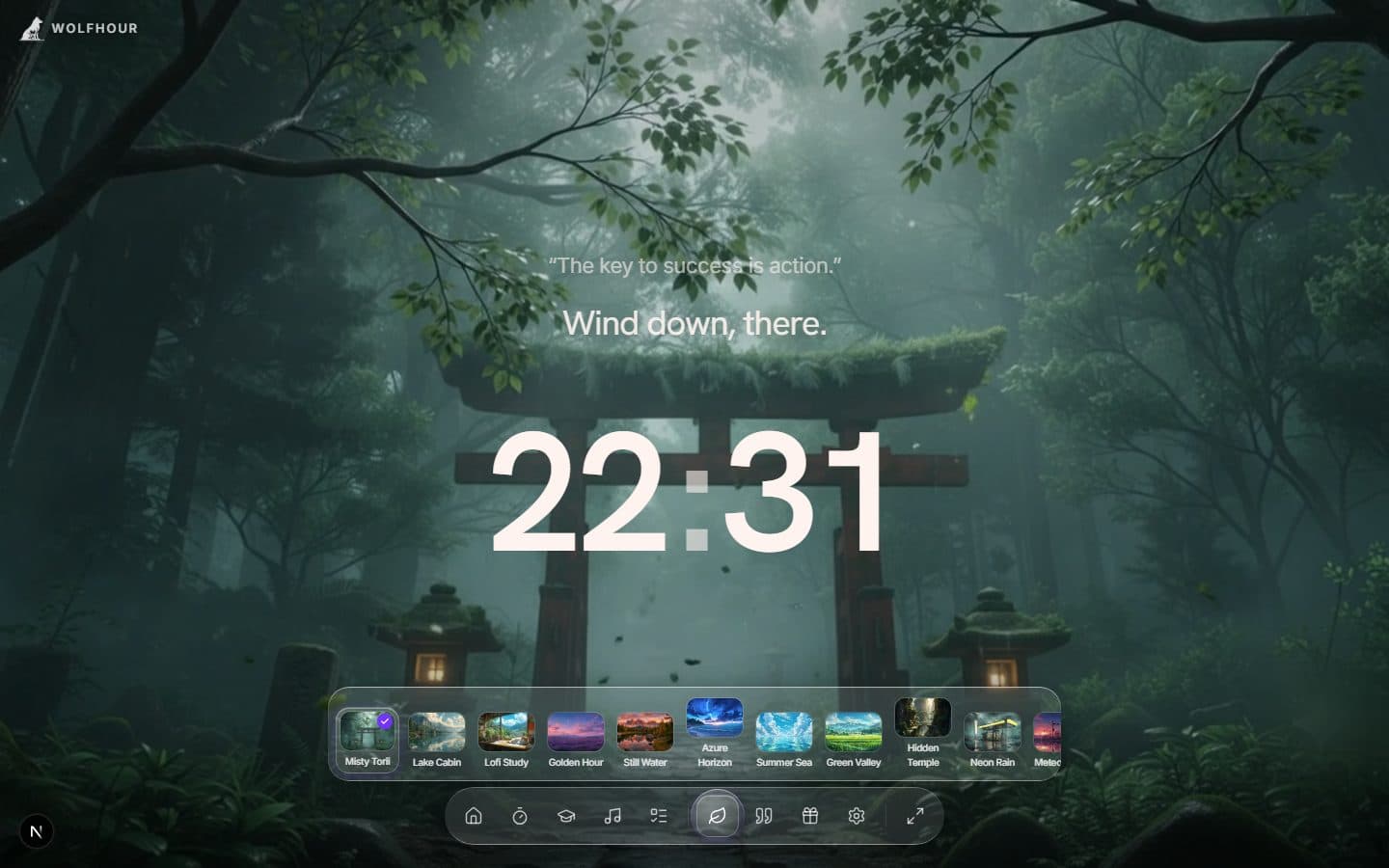
Pick your world
Eleven live cinematic scenes — misty torii, lake cabins, golden hours, neon rain. Each one breathes behind your clock instead of sitting frozen.
- Real video, not a wallpaper
- Your scene follows you across every mode
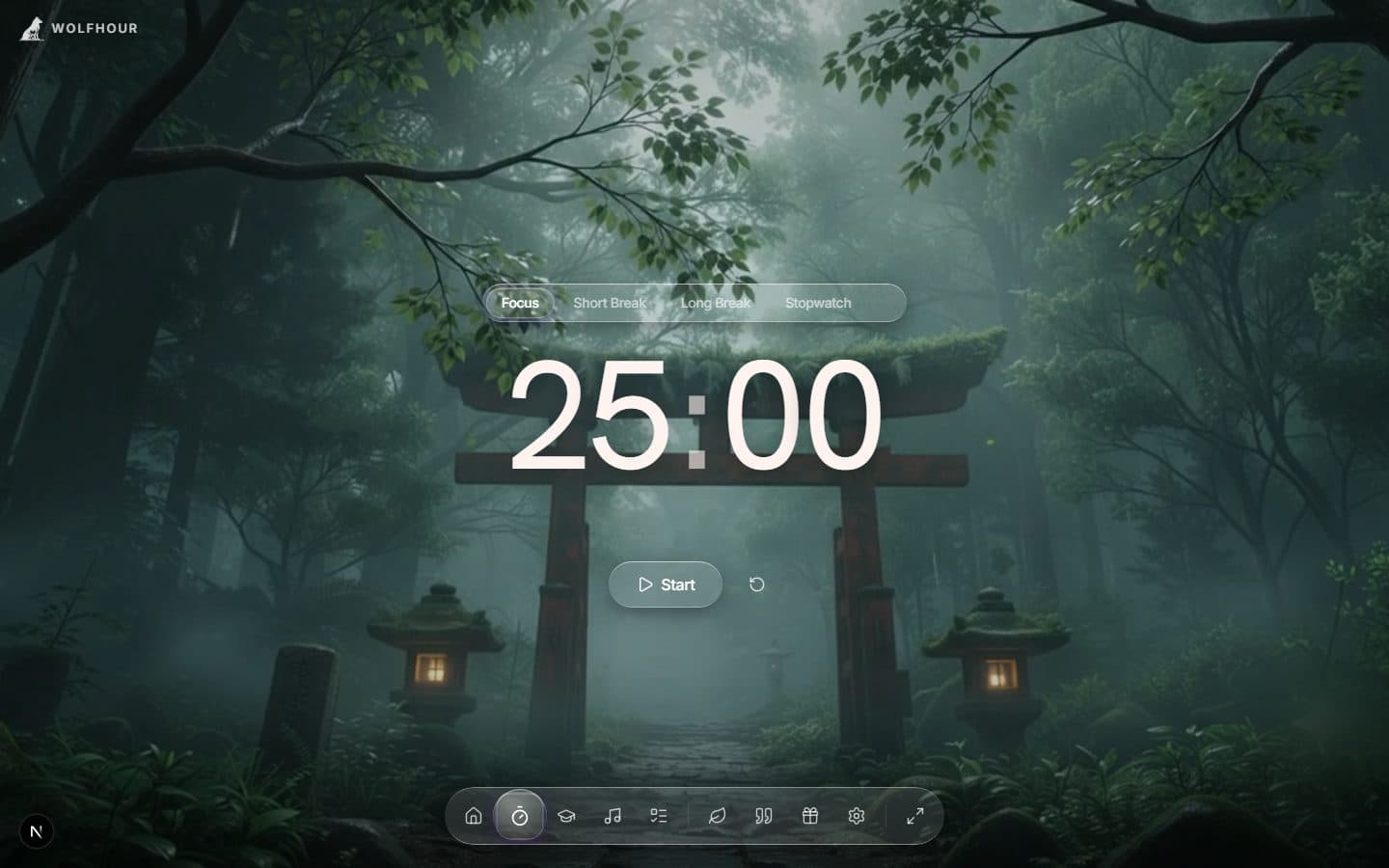
A timer that feels like a ritual
25 on, 5 off, world muted. Focus blocks, short and long breaks, and a count-up stopwatch — one tap apart, ending in a soft two-note chime instead of an alarm.
- Classic 25/5/15 pomodoro rhythm
- Stopwatch for open-ended sessions
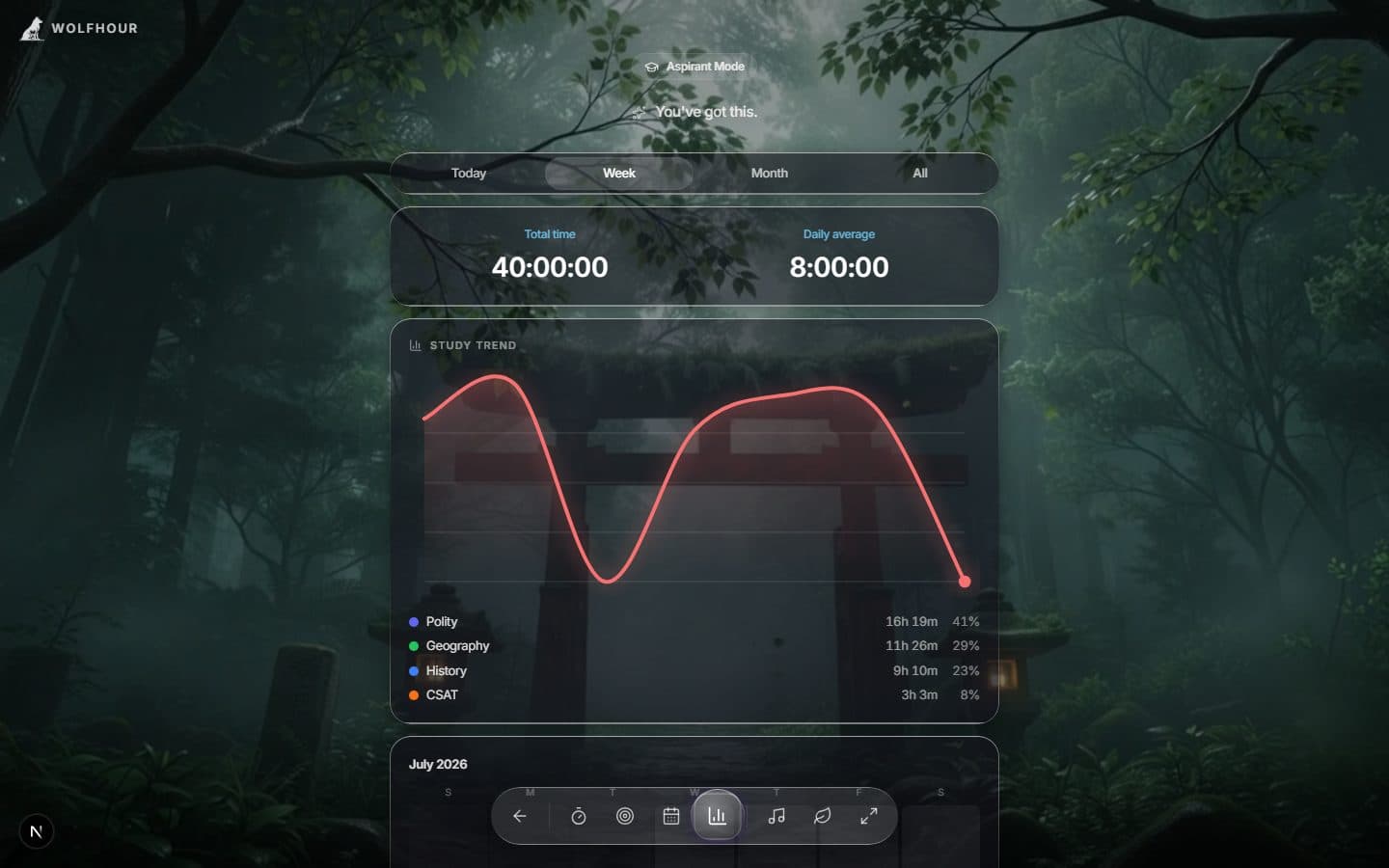
See where your hours really go
Study tracking for people with an exam date. Per-subject stopwatches feed daily trend charts, so a flatlining subject is visible — not hidden inside one reassuring total.
- Goals, streaks & exam countdown
- Today / week / month analytics per subject
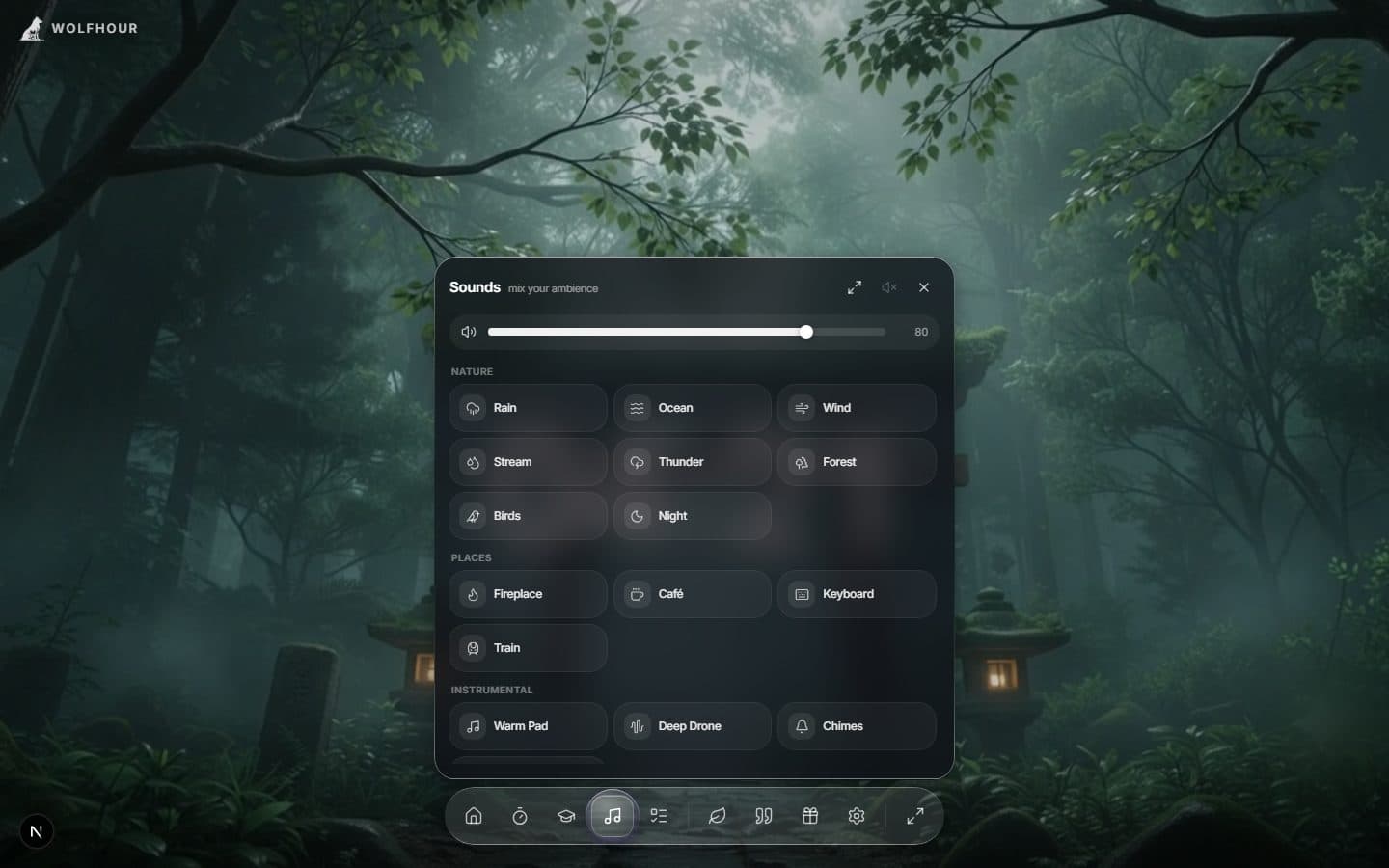
Mix your own quiet
Rain, ocean, café hum, fireplace — 22 sounds across five groups, layered with independent volumes. Generated live in your browser, so there's no loop seam to catch your ear.
- Nature · Places · Instrumental · Lo-Fi · Noise
- Your blend keeps playing in every mode
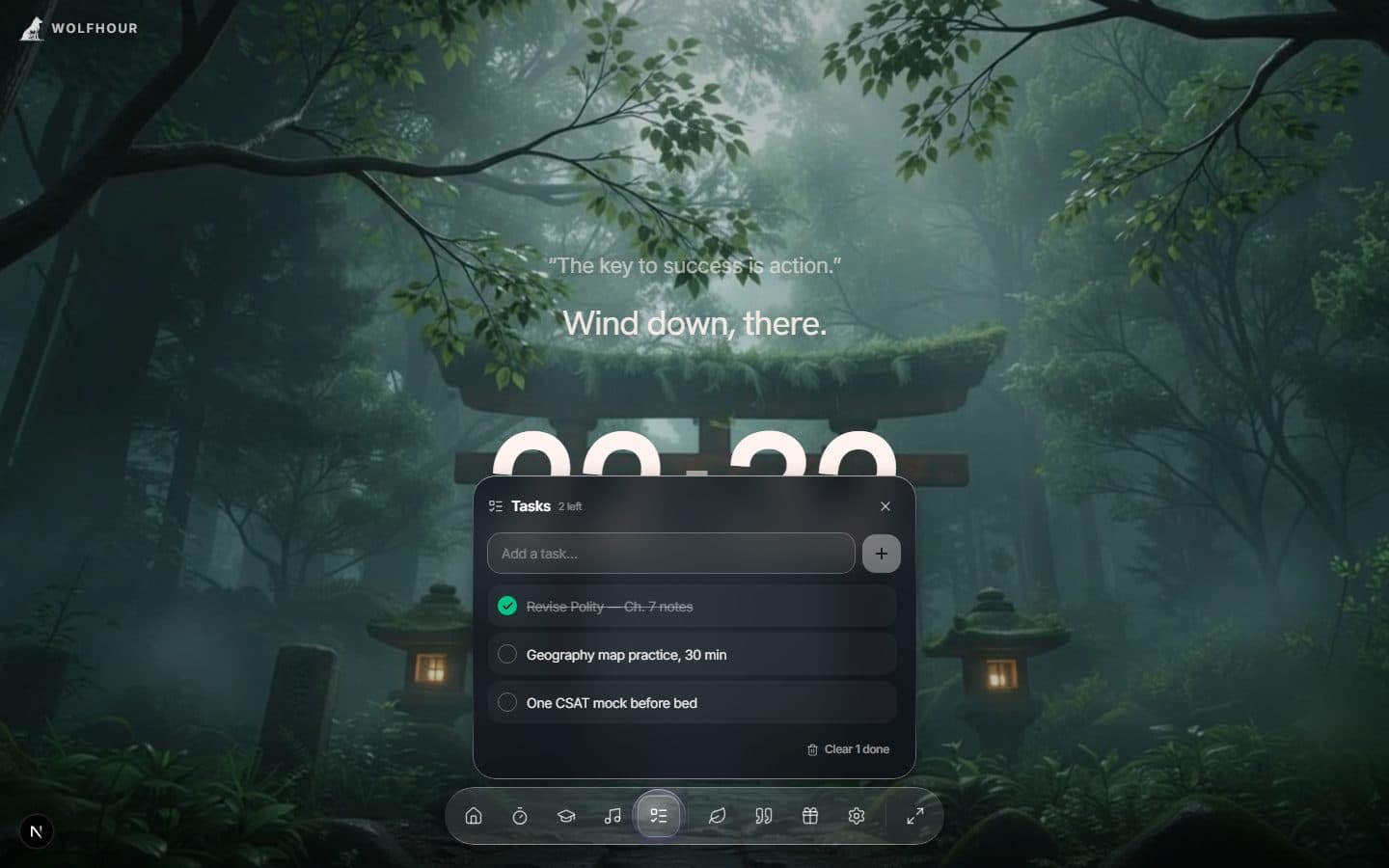
A quiet list, not a second job
Jot the day's three things, check them off, clear the done pile in one tap. No projects, no labels, no productivity homework.
- Lives one tap away in the dock
- Daily quotes & badges ride along
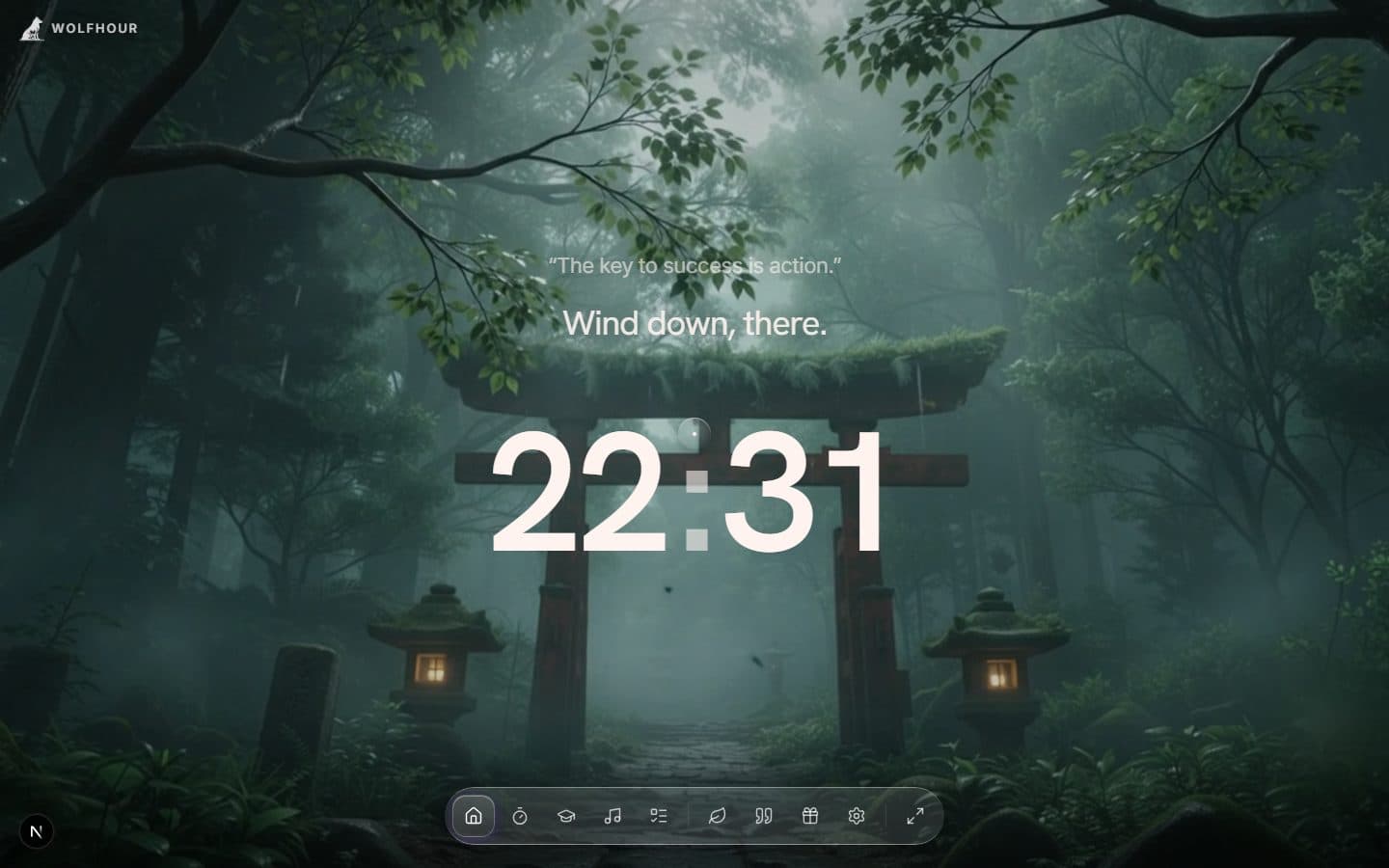
A clock worth staring at
Between sessions the dashboard rests: a greeting, a quote, and a big beautiful clock in your pick of faces — flip, LED, LCD, glitch, ember.
- Clock & font styles to match your scene
- Fullscreen one tap away
For everyone whose
light is still on.
Late-night scenes, low-key soundscapes, and timers that keep you company while the rest of the city dreams.
Empty the cup.
Fill the hour.
No clutter, no noise — just you, a calm scene, and the work in front of you.
Installs like an app.
Feels like a ritual.
Add Wolfhour to your home screen and it runs fullscreen and offline — a distraction-free window that’s always one tap away.
Add to Home Screen
Open the app, then choose “Add to Home Screen” from your browser menu. Done — it’s yours, even offline.
Ready to lock in?
Open Wolfhour and slip into your calmest, most productive hour.
Questions, answered
Is Wolfhour free?
Yes — the core experience is free to use. Every scene, sound, and timer is included; start focusing in seconds.
Do I need an account?
No — jump straight in, no signup. Create a free account whenever you want your setup and study stats synced across your devices.
Where is my data stored?
On your device first. Your settings also sync to a private cloud row that only your account can read. See the Privacy Policy for details.
Does it work offline?
Yes. Add it to your home screen like an app and everything keeps working; sync resumes when you're back online.
I forgot my password — what now?
Use “Forgot password?” on the sign-in screen and we’ll email you a reset link to set a new one.
Are the scenes and sounds licensed?
Yes — all backgrounds and sounds are royalty-free.